

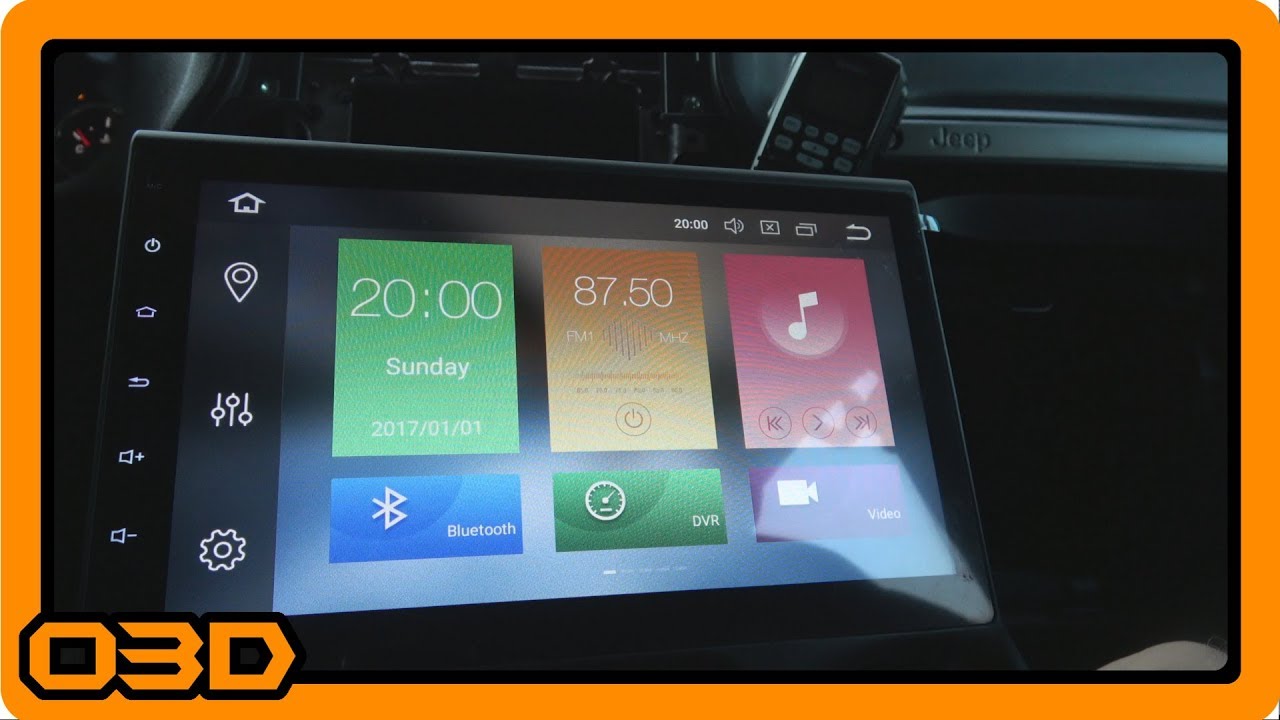
A New Seicane 10.1 Android Head Unit - Model H201G Installation with PAC RP4-CH11 - Jeep Wrangler
July 11, 2018
Upgrade your Jeep's audio system with the Seicane H201G installation guide using a PAC RP4-CH11 harness for smooth integration.
Quick Look
Overview
If you're looking to elevate your Jeep's audio experience, swapping out your factory head unit for an upgraded model can make a significant difference. In this article, we'll guide you through the installation process of the Seicane 10.1 Android Head Unit—model H201G—using a PAC RP4-CH11 harness. This upgrade promises not only enhanced sound quality but also a more responsive interface that caters to your off-road adventures.
What This Covers
This tutorial will outline the steps necessary to install the Seicane H201G head unit in your Jeep Wrangler, including vital tips for wiring and troubleshooting potential integration issues with factory systems. The PAC RP4-CH11 harness is a key component for ensuring connectivity with the factory Alpine amplifier, which is often a concern with aftermarket installations.
Step-by-Step Breakdown
- Gather Your Tools and Materials: Before diving into the installation, ensure you have the following tools: wire strippers, soldering iron, electrical tape, and a flathead screwdriver. You'll also need your Seicane H201G unit, the PAC RP4-CH11 harness, and any adapters if necessary.
- Remove the Old Head Unit: Start by carefully prying off the dashboard panels surrounding the head unit using a flathead screwdriver. Unscrew any mounting screws and gently slide out the old unit from the dash. Disconnect the wiring harness and antenna from the old unit.
- Compare the Units: Place the old head unit next to the new Seicane H201G. Note the differences in connection ports and wires, particularly for the amp and speaker outputs. This critical observation will help you understand the wiring modifications needed.
- Wire the PAC RP4-CH11 Harness: Follow the wiring instructions for the PAC harness carefully. Use standard color-coding for speaker wires: grey for front right, purple for rear right, green for rear left, and white for front left. Since the factory sub relies on specific inputs, ensure that the front speaker outputs are wired to the corresponding inputs on the PAC harness to facilitate proper audio signal flow.
- Connect Your Antennas and Additional Features: The Seicane H201G comes with a variety of antenna inputs for GPS, AM/FM radio, and your backup camera. Ensure these connections are snug and secure before proceeding.
- Test the Unit Before Final Assembly: Before tidying up the cables and reassembling your dash, turn on your Jeep and test the new head unit. Check for audio from all speakers and functionality of features like Bluetooth and navigation. Adjust wiring if necessary, particularly the connections to the factory sub, as many users have reported issues with subwoofer functionality.
- Reassemble the Dash: Once you’ve confirmed everything is working properly, carefully reassemble the dashboard, securing all screws and clips in place.
Helpful Tips
- Read the PAC RP4-CH11 Instructions: The PAC harness comes with clear instructions. Pay attention to the details to avoid common mistakes that can lead to connectivity issues.
- Label Wires: If you're unfamiliar with wiring, consider labeling your wires during disassembly. This makes reconnecting them much easier and helps avoid confusion.
- Take Your Time: Don't rush the installation. Taking a methodical approach can help troubleshoot issues more effectively if they arise during installation.
Key Takeaways
Upgrading to the Seicane H201G Android head unit can significantly enhance your Jeep's entertainment capabilities and provide a more modern, responsive interface. While the integration of aftermarket units can occasionally be daunting, using the PAC RP4-CH11 harness can simplify the process and mitigate many common issues related to factory audio systems. By following the outlined steps and tips, you can enjoy a successful installation and get back to your off-road adventures with an upgraded sound environment!