

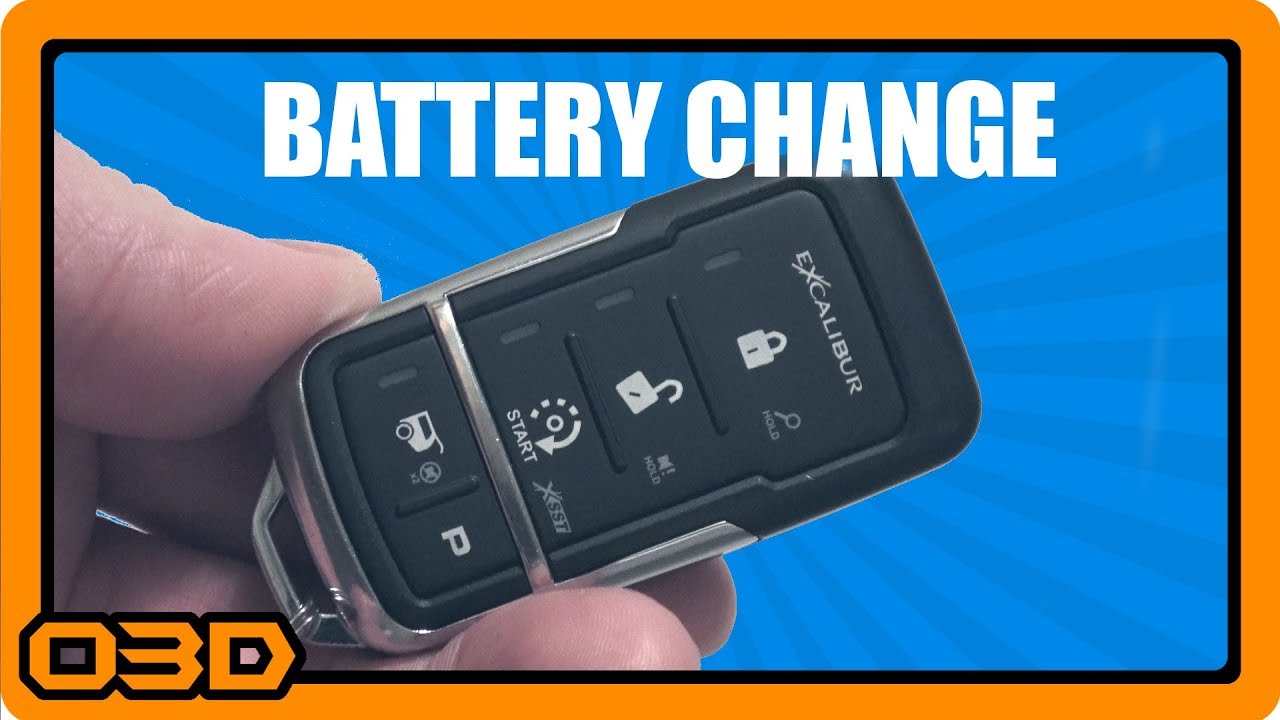
Excalibur Remote Battery Change and How To Tell When It's Time - OMEGA
December 25, 2017
Learn how to change the battery in your OMEGA Excalibur remote and recognize when it's time for a replacement.
Quick Look
Overview
Maintaining your OMEGA Excalibur alarm system is crucial for ensuring its reliability and effectiveness. One important maintenance task is changing the batteries in your remote. This article will guide you through recognizing when to change your batteries, which batteries to purchase, and the steps for a successful replacement.
What This Covers
In this tutorial, we will cover:
- Signs that your remote batteries need changing
- The specific type of batteries required
- A step-by-step guide for replacing the batteries
- Tips to ensure a smooth battery change
Step-by-Step Breakdown
Let’s get into the specifics of changing the battery in your OMEGA Excalibur remote:
- Identifying the Need for a Battery Change: You’ll know it’s time to replace your remote batteries when you start hearing a persistent tone every time you press a button. This tone indicates that your battery strength is low.
- Gather Your Materials: Before you begin, make sure you have the following:
- Two CR2025 batteries
- A small Phillips head screwdriver (preferred is a jeweler's screwdriver)
- A clean working area to avoid losing any small parts
- Open the Remote: Use your screwdriver to remove the tiny screw located on the back of the remote. This screw holds the back panel in place. Carefully lift the back cover to access the internal components.
- Replace the Batteries: You’ll see the batteries seated within the remote. Note the orientation of the positive (+) side. Carefully remove the old batteries and insert the new CR2025 batteries, ensuring they are positioned with the '+' side facing up.
- Reassemble the Remote: After the new batteries are in place, put the back cover of the remote back on. Ensure it snaps securely into place and reinsert the small screw to prevent it from coming loose.
Helpful Tips
Here are a few tips for a successful battery change:
- When purchasing batteries, check to see if they are rechargeable, though standard CR2025 batteries are usually the best choice for your remote.
- Do not forget to remove any stickers on the batteries before installation, as they can prevent the battery from making proper contact.
- Test the remote after changing the batteries by checking the vehicle status to ensure responsiveness and confirm that the tone has ceased.
Key Takeaways
Changing the batteries in your OMEGA Excalibur remote is a simple yet essential maintenance task. Recognizing the warning tones early can help prevent situations where your remote fails to respond when you need it most. By following the outlined steps, you can ensure your remote start and alarm system remains in good working condition for your off-road adventures. Taking care of small details like this can make a significant difference in your overall experience with your Jeep.