

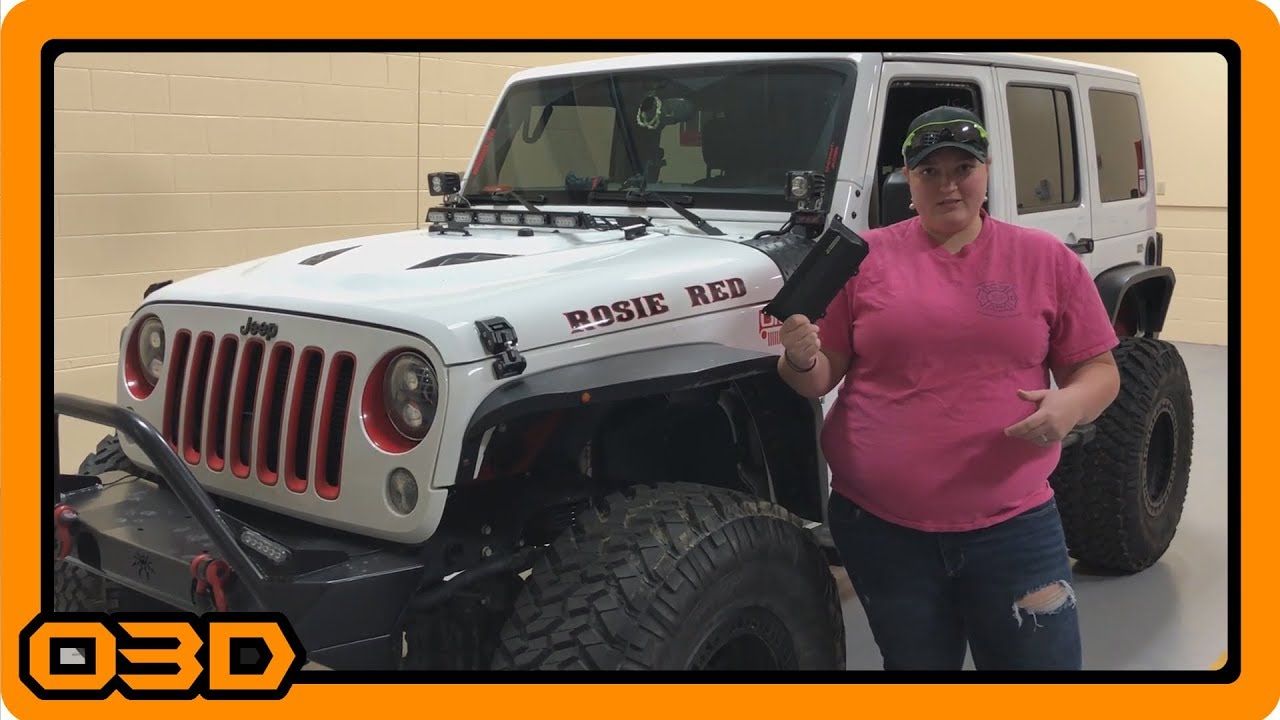
Guest Install #2 - Slickrock Gear JK Pocket Center Console Pocket - Sam from @rosieredjku
March 1, 2018
Explore the DIY installation of the Slickrock Gear JK Pocket center console pocket, enhancing your Jeep's functionality and style.
Quick Look
Overview
In this exciting Guest Install tutorial, we’re featuring Sam from @rosieredjku, who shares her experience installing the Slickrock Gear JK Pocket center console pocket in her Jeep, affectionately known as Rose Red. This installation not only improves organization but also adds a touch of style to your Jeep's interior. Let’s dive into how you can achieve this upgrade and what makes it a worthwhile addition to your ride.
What This Covers
This article will guide you through the installation process of the Slickrock Gear JK Pocket, including tips and insights drawn from Sam's successful installation. We’ll also highlight the product’s features that enhance interior functionality, making your Jeep more enjoyable during adventures.
Step-by-Step Breakdown
- Remove the Existing Console Panel: Start by carefully detaching the existing panel from your Jeep's center console. Sam demonstrated this by using a flathead screwdriver to pop out the clips securely fixed to the original piece.
- Eliminate the Factory Netting: The next step involves removing the outdated netting that many Jeep owners find inadequate. If you haven't already done so, clear out all remnants of the factory-installed netting to prepare for the JK Pocket installation.
- Install the JK Pocket: Position the JK Pocket by placing one tab into the console area, then work your way around to ensure a snug fit that minimizes rattling. The product is designed to fit tightly without the need for adhesive tape, making for a clean and professional look.
- Reassemble the Console: Once the JK Pocket is securely in place, it’s time to put the interior piece back. Sam found that the assembly slides right into place easily, thanks to the product’s thoughtful design.
Helpful Tips
- Ensure all clips and remnants are cleared for a clean installation site. This not only makes installation easier, but also ensures that your new pocket sits securely without obstruction.
- Take your time fitting the JK Pocket into the console to avoid damaging it or the surrounding areas.
- Follow the provided instructions carefully; the installation should take roughly five minutes per piece, allowing you to enhance your interior quickly and efficiently.
Key Takeaways
The Slickrock Gear JK Pocket center console pocket is an excellent mod for Jeep Wrangler JK owners seeking improved utility without compromising style. Handmade in Southern California using robust materials, it’s designed to stand up to the rigors of off-road life while enhancing the aesthetic of your interior. Whether you’re storing your phone, snacks, or other essentials, this product offers a class-leading solution to the less-than-ideal factory options. If you’re looking to upgrade your Jeep's functionality and make trips more organized and enjoyable, consider making this mod a priority!