

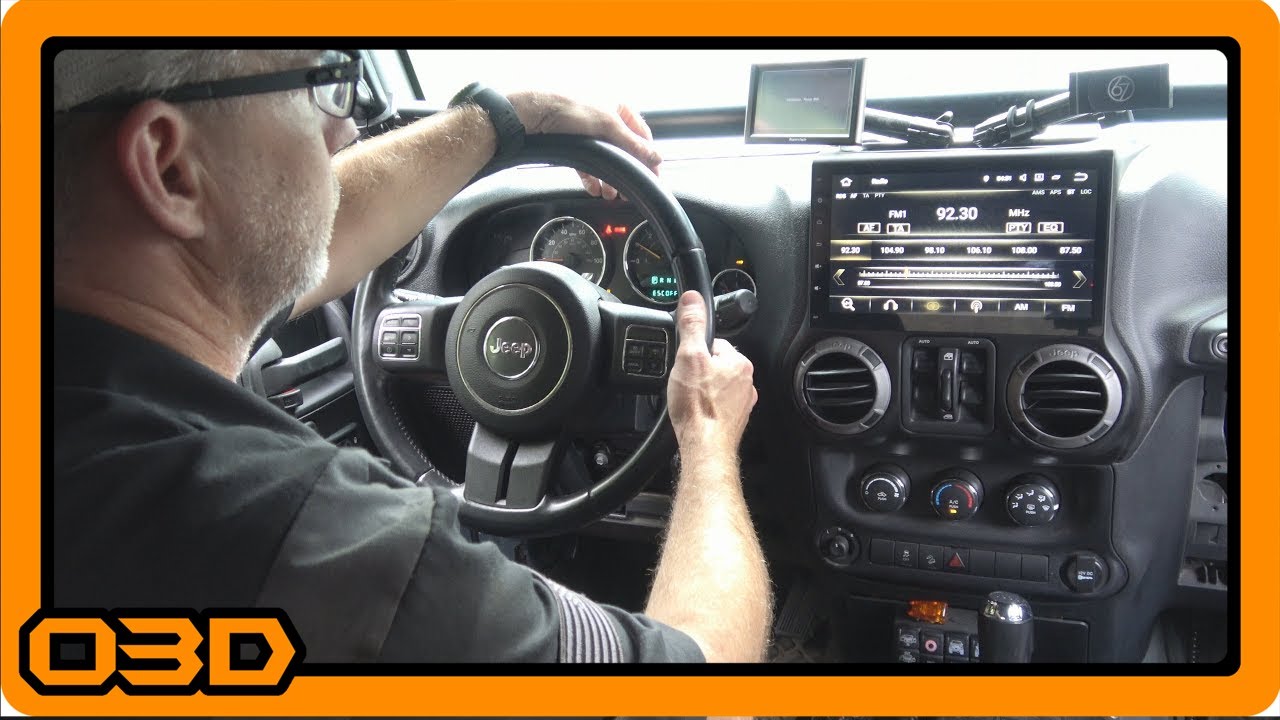
Install 04 - Putting it in - Seicane 10.1" Android 7.1.2 Stereo Head Unit in 2015 Jeep Wrangler
September 10, 2017
Discover the step-by-step process to install a Seicane 10.1" Android stereo in your Jeep Wrangler with tips for a smooth installation.
Quick Look
- I mentioned placing the wiring on the top but when I was installing, that was getting int the way because of that little bar that goes across the top of that area. I just had to move it a bit to fit. Be very mindful of all of the wiring back there that may be rubbing on that metal bar when you drive around. It wouldn't be a bad idea to put a protective wire loom over the wires to be safe. I will probably do that myself.
- O3DJEEPS
- O3DJEEPS
- Some helpful O3D Jeeps links for you:
- Some helpful O3D Jeeps links for you:
- Some helpful O3D Jeeps links for you:
Overview
Upgrading your Jeep’s audio system can significantly enhance your overall driving experience, especially when hitting the trails. In this article, we will explore how to install the Seicane 10.1" Android 7.1.2 stereo head unit in your 2015 Jeep Wrangler. This tutorial will provide you with practical insights to demystify the installation process and address potential hurdles.
What This Covers
This installation guide focuses on:
- Preparing for the installation
- Step-by-step assembly and installation of the new stereo
- Tips for wiring and ensuring a secure fit
- Final testing and adjustments
Step-by-Step Breakdown
Let’s dive into the installation process.
1. Preparation
Before beginning the installation, it is crucial to disassemble the factory dashboard piece carefully. This involves removing any clips and taking note of how things fit together, as you'll need to transfer these clips to allow the new head unit to attach securely.
2. Preparing the New Stereo Head Unit
The Seicane stereo comes in multiple parts, unlike the factory unit, so it’s best to assemble it outside of the Jeep first. This makes the installation easier, as you can ensure everything lines up correctly before setting it in place.
3. Wiring Setup
When it comes to wiring, ensure to manage the cables behind the dash. Pay special attention to the alignment of the wires so that they do not rub against any metal bars. This could cause wear over time, leading to potential electrical issues. Using protective wire loom can be beneficial to safeguard these connections.
4. Installing the Head Unit
Once you’ve assembled the head unit and made sure the wiring is tidy, you can start the installation. Carefully fit the unit into the dashboard. It's helpful to have a friend assist you to maintain stability while you connect the necessary cables from behind the unit.
Important Tip:
Consider using a small drop of superglue on connectors to keep them secure during installation, as some users find it difficult to maintain connection stability during this phase.
5. Securing the Unit
After the unit is in place, secure it with the provided bolts. Ensure that everything is tightened but be cautious not to over-tighten, which could damage the plastic components.
6. Final Adjustments
Once everything is bolted in, reconnect any additional components like window controls and check that all functionalities like Bluetooth, GPS, and backup cameras are working correctly. It's advised to test each function prior to securing the entire dash back in place.
Helpful Tips
To ensure a successful installation:
- Take your time when removing clips and components - rushing can lead to broken pieces.
- Document the wiring configuration with a snapshot or notes before disassembly, which can help during reinstallation.
- Always have the right tools on hand, including various-sized screwdrivers and socket wrenches.
- Consider watching the installation video alongside this guide for visual reference.
Key Takeaways
Installing a new stereo in your Jeep can seem overwhelming, but breaking down the process step-by-step makes it manageable. The Seicane head unit is a solid upgrade that not only enhances functionality but also integrates well with your Jeep’s existing systems. By following this guide, you’ll have a better sense of confidence in tackling the installation yourself. Remember, a well-installed head unit can significantly improve your off-road audio experience!