

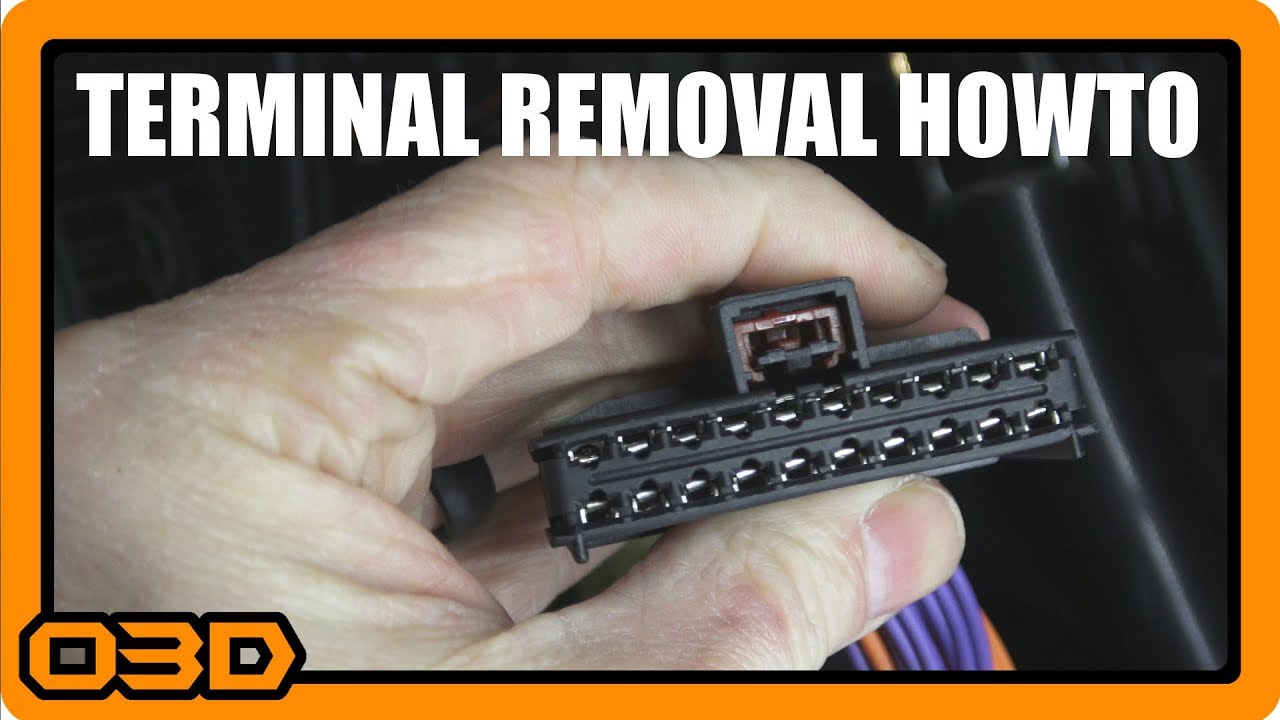
Multifunction Connector Terminal and Wire Removal - Dorman 645-206 Jeep Chrysler Pin Re-Pin Tool
February 7, 2018
Learn how to effectively replace multi-function connectors in your Jeep with this detailed guide on the Dorman 645-206 tool.
Quick Look
Overview
Replacing a multi-function connector in your Jeep or similar Chrysler vehicle can often feel like a daunting task. However, with the right tools and a clear understanding of the process, you can tackle this repair with confidence. In this tutorial, we'll look at the Dorman 645-206 pin re-pin tool and explore how to effectively remove and replace these essential connectors.
What This Covers
This guide provides a step-by-step approach to handling the replacement of the multi-function switch connectors in vehicles like the 2004 Jeep Wrangler and others listed in the video description. We'll go through the necessary tools, detailed instructions, and practical tips to ensure a smooth repair.
Step-by-Step Breakdown
- Gather Your Tools: Before you begin, ensure you have the Dorman 645-206 pigtail connector, a pick tool, and any additional tools you may require for wire splicing.
- Identify the Area: Locate the multi-function connector on your vehicle's wiring harness. In many cases, this connector is situated behind the dashboard, often near the steering wheel.
- Remove the connector cover: Start by carefully removing the protective cover of the connector. Look for any clips or latches; you might need to gently pry them up to access the terminals inside.
- Manoeuver the terminals: Once the cover is removed, you will see the individual terminals. To remove these, locate the small plastic levers that keep them in place. You will need to lever these down to release each terminal.
- Replace the terminals: With the terminals freed, you can now insert the new terminals from the back of the connector. Ensure that they are properly secured and locked into place, then replace the connector cover.
- Final Checks: Before reassembling the dashboard, double-check that all connections are secure and that there are no exposed wires. Testing the connector by turning the vehicle on can help ensure everything is functioning correctly.
Helpful Tips
- Keep your workspace organized and free of debris to avoid losing small parts.
- Document your process with photos if you’re unsure about how things were originally connected.
- Don’t rush; take your time to ensure each terminal is seated correctly.
Key Takeaways
Replacing a multi-function connector like the Dorman 645-206 is a manageable DIY task for Jeep owners and enthusiasts. With patience and the right techniques, you can ensure that your electrical connections remain solid and reliable. Whether you’re upgrading or simply maintaining your vehicle, this tutorial should give you the confidence to proceed. Happy wrenching!