

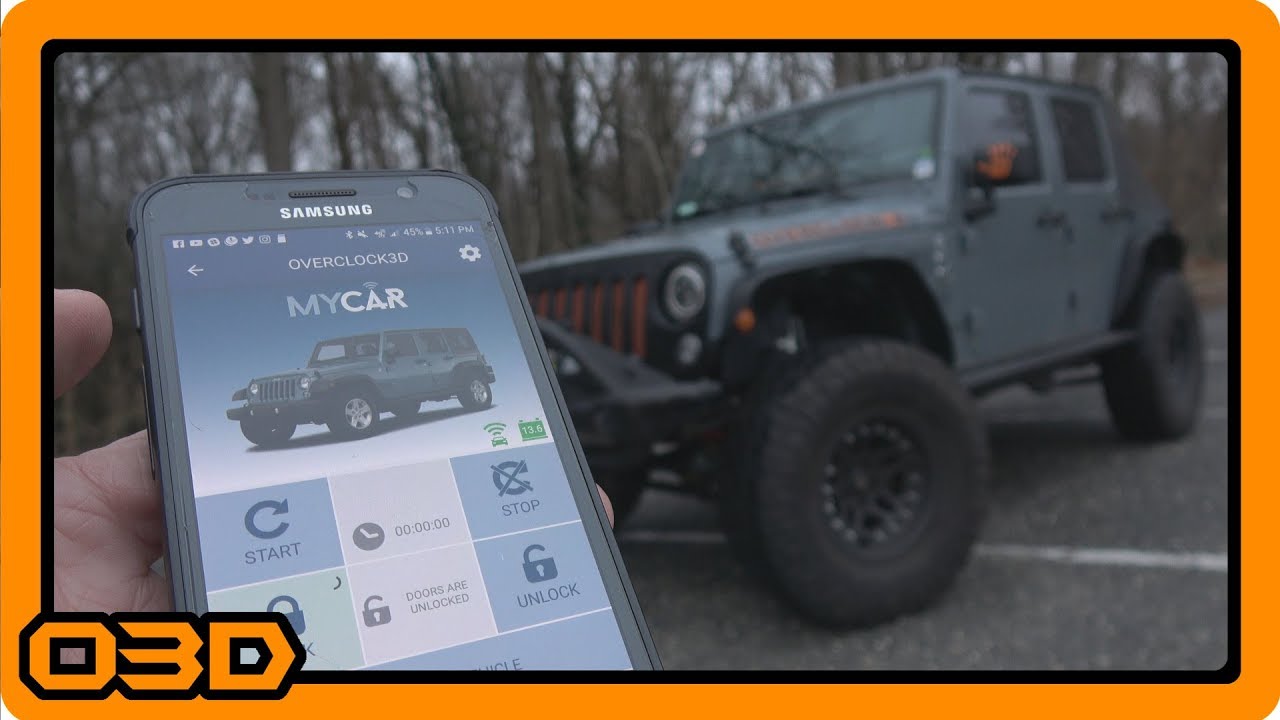
Omega Linkr Alarm Remote Start GPS Tracker - Excalibur Alarm System Installation Howto - Jeep
February 25, 2018
Learn how to install and utilize the Omega Linkr for Jeep, enhancing your security and convenience with smartphone control.
Quick Look
Overview
In this article, we will dive deep into the installation and practical use of the Omega Linkr Alarm Remote Start GPS Tracker, a smart solution for enhancing your Jeep's security and convenience. If you're looking to connect your vehicle to a smartphone for remote management, the Linkr system is a game changer. With features such as remote start, door locking, and vehicle tracking, this system is designed for Jeep enthusiasts who value technology as much as their rugged rides.
What This Covers
We’ll cover everything from the initial setup and installation to the practical implications of using the Linkr with your Jeep. Whether you're a seasoned DIYer or a newcomer to vehicle modifications, this guide will explain the steps in an easy-to-understand manner.
Step-by-Step Breakdown
- Gather Tools and Materials: Before you begin, ensure you have the necessary materials at hand. You’ll need the Omega Linkr unit, wiring harnesses, a smartphone, and a few basic tools like wire cutters and electrical tape.
- Preparing for Installation: Disconnect your vehicle’s alarm system from power to prevent any electrical issues during installation. Ensure you have the latest firmware version (minimum v1.4) on your Xcalibur system to ensure compatibility with the Linkr unit.
- Wiring Connections: The Linkr comes with a main harness that connects to your existing alarm system. Identify the yellow wire which is crucial for sending notifications about any triggering alarms to your smartphone. Connect this wire to your alarm siren wire.
- Firmware Update: If your system is not running the required version, update it using the appropriate tools. This may involve contacting your supplier to access their loaner updater tool.
- Mounting the Linkr: Choose a discrete location within the Jeep to mount the Linkr while considering visibility for the LED indicators. A good spot might be near the speaker enclosure for the best cellular and GPS signal.
- Installation of the My Car App: Download the My Car app on your smartphone. Follow the prompts to create an account and set up your vehicle’s profile by entering the device serial number.
- Testing Functionality: Perform tests to ensure the system works as expected. Check functionalities like remote locking/unlocking, vehicle tracking, and remote starting from your smartphone.
Helpful Tips
- Make sure the Linkr unit is properly powered and connected before attempting to use the app.
- Keep your installation detailed in a notebook or digital file, noting any modifications or unique settings for your Jeep.
- Familiarize yourself with the app's interface and settings to optimize your remote management capabilities.
Key Takeaways
The Omega Linkr Alarm Remote Start GPS Tracker significantly enhances your Jeep's security and convenience, allowing you to control crucial functions right from your smartphone. Proper installation and understanding of the system will ensure you get the most out of the technology. With these features, the Linkr is an essential mod for any serious Jeep enthusiast looking to blend off-road adventure with modern technology.