

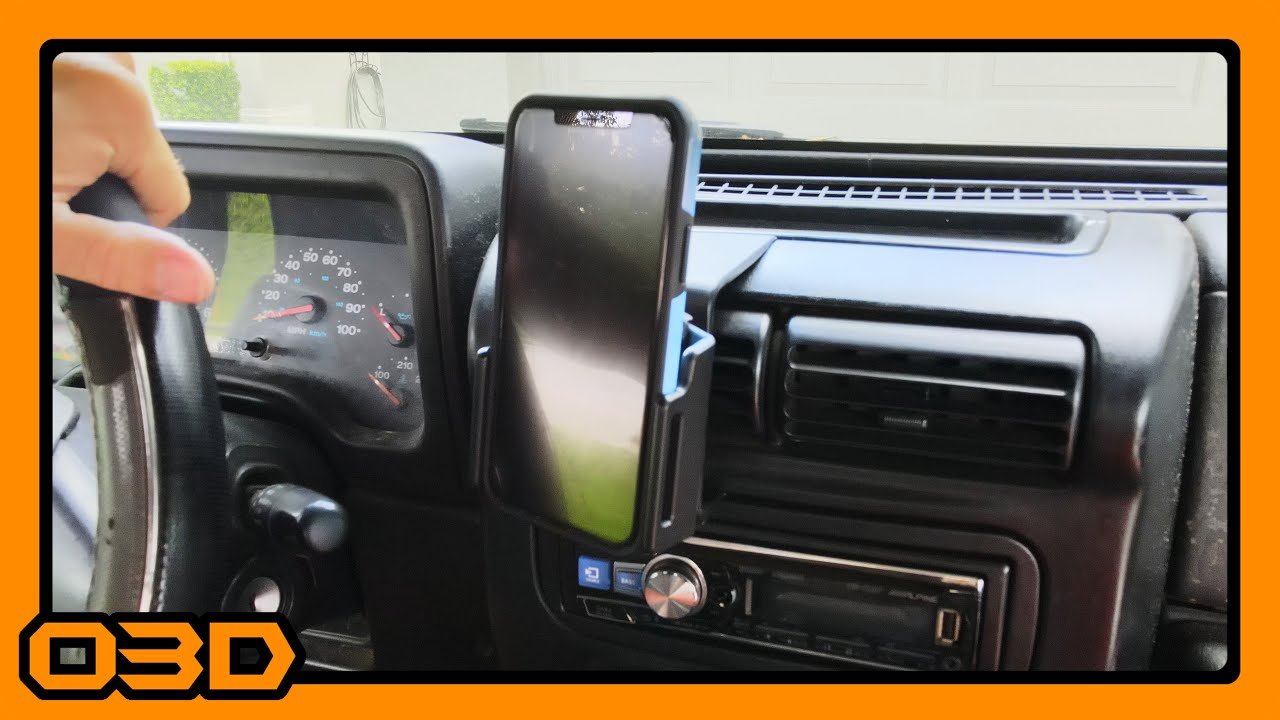
ProClip Phone Mount Install - 2004 Jeep Wrangler TJ
August 21, 2020
Learn how to easily install a ProClip phone mount in a 2004 Jeep Wrangler TJ for enhanced convenience and functionality.
Quick Look
Overview
Installing a reliable phone mount in your Jeep can transform your driving experience, especially when off-roading or navigating through trails. In this article, we’ll take a closer look at how to install a ProClip phone mount in a 2004 Jeep Wrangler TJ, a modification that can improve accessibility to your device while keeping it secure.
What This Covers
We will outline the install process, the advantages of using the ProClip mount, and provide tips and tricks to make the installation as smooth as possible. Whether you’re a seasoned Jeep enthusiast or new to the off-roading community, this guide aims to enhance your Jeep with one simple mod.
Step-by-Step Breakdown
- Remove Existing Holder: Begin by taking out any previous phone holders or mounts. In this case, we’re replacing a somewhat rickety rugged ridge mount. It may be secured with adhesive tape, so take your time to carefully remove it and clean any leftover residue.
- Prepare the ProClip Mount: The ProClip mount comprises two parts: the base that attaches to the vehicle and the adjustable phone holder. For this installation, position the base on the dashboard near the center of your Jeep. It clips easily above the radio and cubby, ensuring a secure fit.
- Adhere the Base: Once positioned, remove the backing from the adhesive tape on both the top and bottom of the mount. Align it carefully and press it into place; this ensures it will stay put even on bumpy trails.
- Attach the Phone Holder: Next, attach the adjustable phone holder to the base. Loosen the center screw on the holder, then insert the mount onto the base before tightening the screw to secure it.
- Adjust for Fit: The holder is designed to accommodate various phone sizes. To customize it, simply adjust the screws located in the holder to fit the specific phone you intend to use, whether it's a smartphone with or without a case.
Helpful Tips
- Before installation, ensure you have a clean workspace and all necessary tools accessible to avoid any interruptions.
- Test the mount by placing your phone in it before heading out. This functionality allows you to quickly check that your device fits correctly.
- Consider rotating the mount for passenger visibility and adjusting the tilt angles for personalized convenience.
Key Takeaways
The ProClip phone mount installation process is straightforward, making it a perfect weekend project for Jeep owners. With its clean integration into the TJ's interior and adjustable features, it offers not just functionality but also enhances the overall driving experience. Completing this simple mod can significantly increase the usability of your Jeep while exploring off the beaten path or navigating urban roads.