

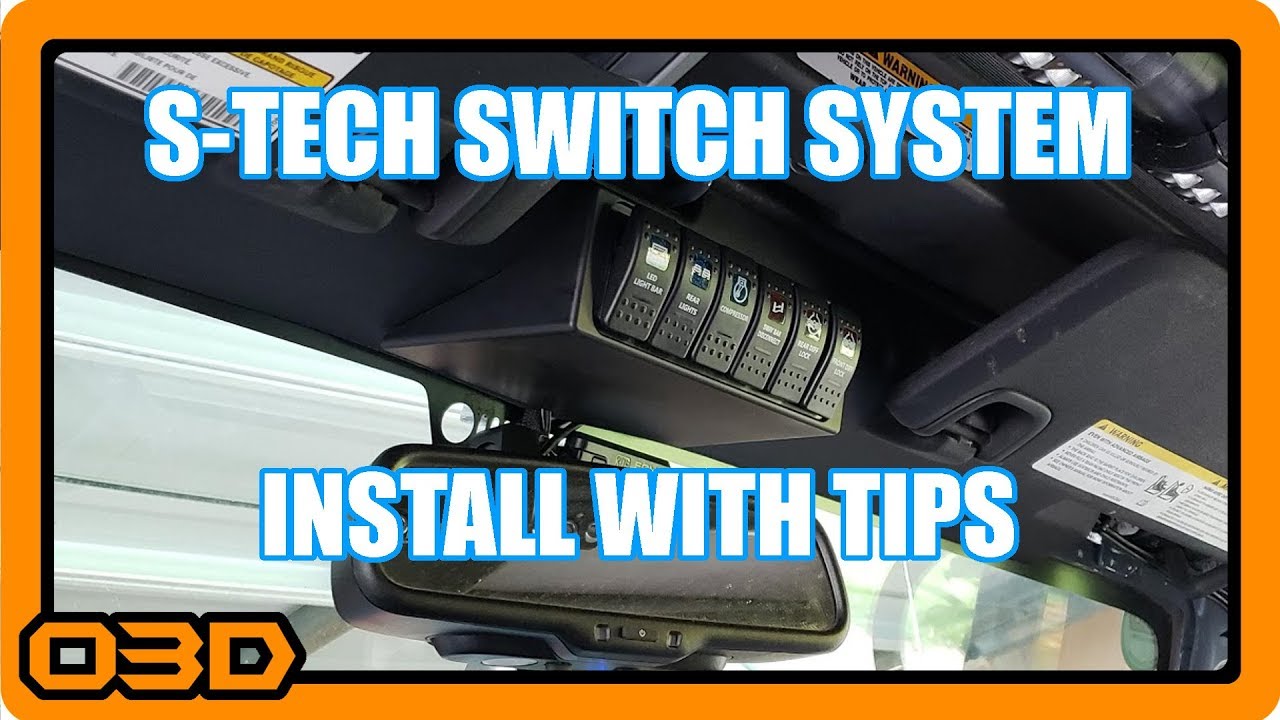
S-TECH Switch System Installation with a Ton of Tips for Jeep Wrangler JK
June 3, 2018
Installation tips for the S-TECH Switch System in your Jeep Wrangler JK - challenges, insights, and easy steps.
Quick Look
Overview
In this article, we'll dive into the installation of the S-TECH Switch System for your Jeep Wrangler JK. This tutorial will cover various tips, challenges, and best practices to help enthusiasts get their Jeep set up with a reliable and aesthetically pleasing switch solution.
What This Covers
This article covers:
- Preparation and understanding of existing wiring
- Installation steps for the S-TECH Switch System
- Practical tips for dealing with challenges during installation
- Final touches to ensure a professional look
Step-by-Step Breakdown
Below is a detailed breakdown of the installation process for the S-TECH Switch System:
- Gather Tools and Materials: Before starting, ensure you have essential tools like a screwdriver, wire cutters, soldering iron, and heat shrink tubing, as well as the S-TECH kit itself.
- Prep Your Jeep: Clear out the area where the switch panel and relay box will be installed. Take a moment to inspect and perhaps document your existing wiring, especially if you have other modifications, as this will help in reconnecting everything after working on it.
- Mount the Relay Box: Follow the installation manual closely. While the S-TECH instructions are generally solid, always be prepared for updates based on feedback. Don’t hesitate to adapt the installation method for a cleaner look if you find it necessary.
- Wire Management: As you install, make sure to manage wires meticulously. Use zip ties and electrical tape for organizing to prevent future headaches when troubleshooting.
- Install the Switch Housing: Use the provided template to mark and cut the mounting space for the switch panel carefully. Double-check the dimensions to avoid mistakes; nothing worse than a poorly fitting switch panel!
- Test Everything: Before finalizing any connections, it’s wise to test the functionality of each switch. This saves time and avoids reworking connections later.
- Final Touches: Once everything is tested and functional, ensure all wiring is neatly tucked away, and the area is clean. Add any stickers or additional aesthetic elements as desired!
Helpful Tips
Here are some extra tips to enhance your installation experience:
- Document Your Wiring: Taking pictures during disassembly helps keep track of where everything goes, especially with multiple modifications present.
- Patience is Key: Don’t rush through your installation. Doing it right the first time saves time later on.
- Utilize Resources: Online forums and communities can provide invaluable insights and troubleshooting advice for common issues you might encounter.
Key Takeaways
The S-TECH Switch System provides an excellent solution for those looking to upgrade their Jeep's electrical control setup. With a bit of patience and attention to detail, installation can be straightforward, leading to a clean and functional result. Remember, always ensure safety first and enjoy the process of enhancing your vehicle!